SolidCraft: A New Parametric CAD Tool Worth Understanding
The interesting moment in a CAD demonstration is often the edit near the end. A dimension changes, the part rebuilds, and the features stay where they belong. That is the promise worth examining in SolidCraft.
SolidCraft is an open-source parametric CAD application built in Rust. Its upstream project describes a sketch-and-feature workflow with an editable timeline, plus desktop and browser versions. This introduction is based on the project’s documentation, not a hands-on benchmark.
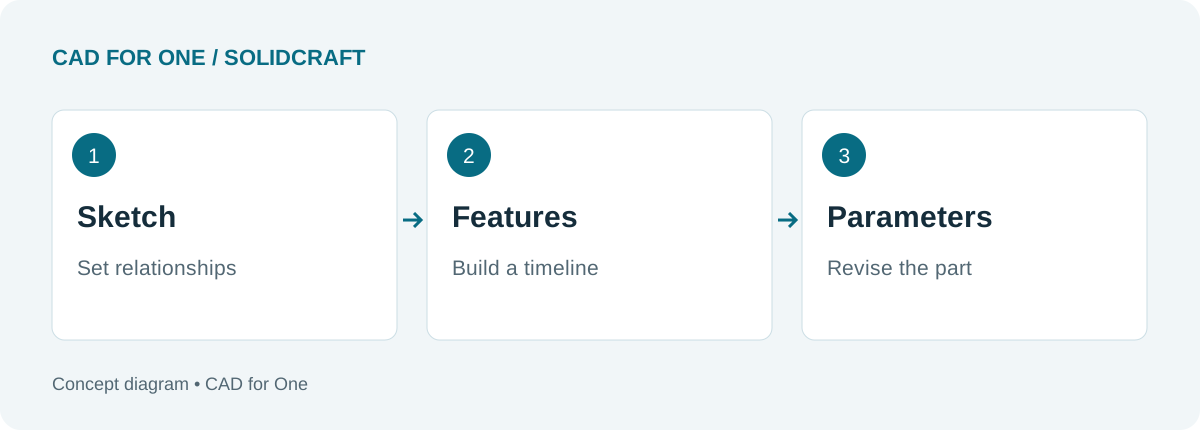 An editorial illustration of the parametric workflow; not a screenshot of SolidCraft.
The timeline is the important idea
A model is more useful when you can revisit the decisions that produced it. For a simple plate, those decisions might be the outline, its thickness, a hole location, and an edge treatment.
Treat the timeline as a record of those decisions. A change to the outline should have a predictable effect on the later features. The project’s introduction explains how sketches, constraints, and parameter changes feed the rebuild process.
That is also a good way to approach your first exercise. Do not ask only whether you can make the shape. Ask whether you can make it again with one dimension changed.
Familiar operations, a newer toolchain
The published feature reference lists operations such as Extrude, Revolve, Fillet, and Shell, along with sketch constraints. These are familiar ingredients for mechanical parts. Their presence in a feature list is a starting point for evaluation, not proof that every combination will work on your geometry.
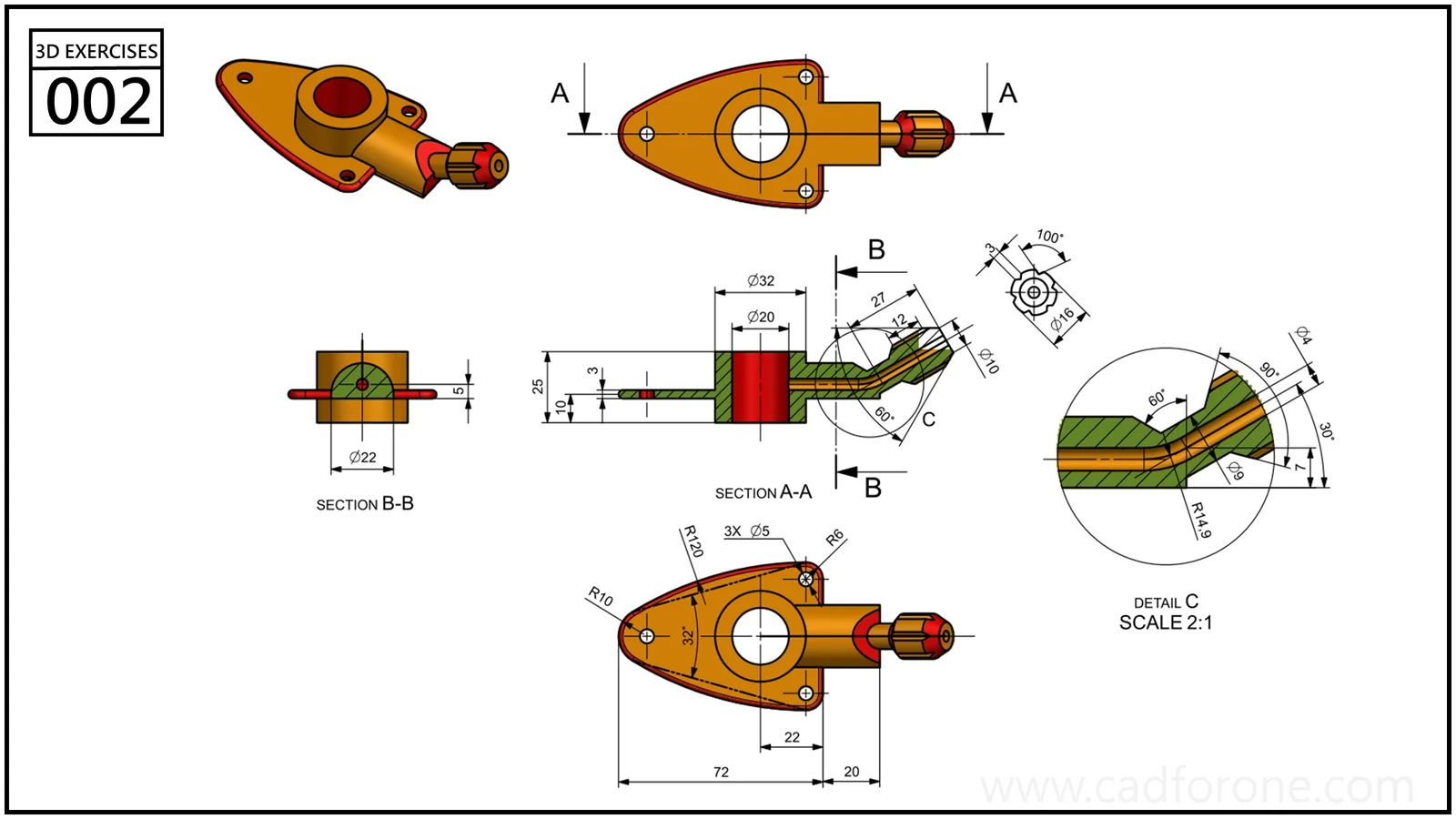 An example of the kind of drawing you can work toward. It is not a verified SolidCraft tutorial or a claimed SolidCraft output.
Open the drawing. If you already understand its features, choose one manageable portion for an initial trial. If not, begin with a plain plate instead.
What the automation support changes
SolidCraft exposes commands through a CLI and an MCP server as well as its interactive interface. The upstream README describes those paths as ways to script or drive a design session. For someone repeating a family of parts, that may be more interesting than a long toolbar.
It does not remove the need to understand the drawing. A command can execute exactly as requested and still produce the wrong part if the requested dimensions or relationships were wrong. Learn to inspect the result before automating the repetition.
Check the release, not just the demo
SolidCraft is developing quickly. Read the release notes for the build you use, especially before opening an important file in a newer version. For example, the v0.29.0 notes explicitly warn that files saved in that release do not open in v0.28.x or earlier.
Keep a working copy of your design and test the export format you actually need. A successful screenshot is not the same thing as a successful handoff to another CAD application.
A useful next step is the simple-part evaluation exercise. It gives you a repeatable way to judge the workflow without assuming that a feature list tells the whole story.
About CAD for One · Sources, editorial approach & corrections